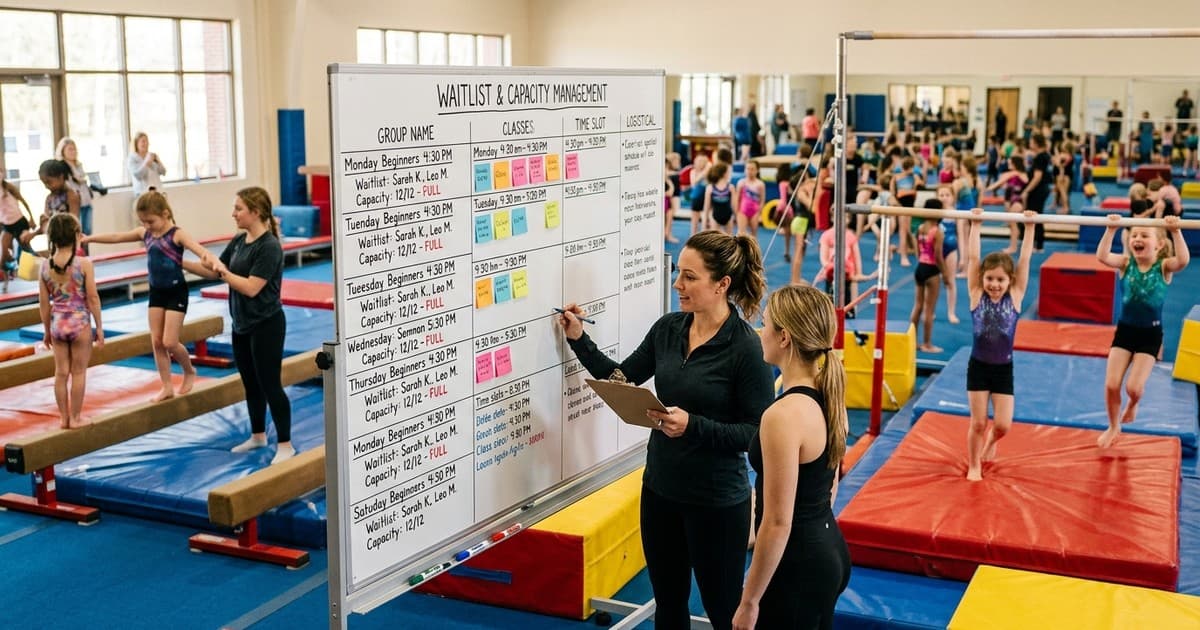
The Waitlist Paradox in Gymnastics
Having a waitlist feels like a good problem to have. Your classes are full, demand exceeds supply, and families are queuing to join. But a waitlist is also a leak in your revenue bucket. Every family on your waitlist is a family that might find another club, take up a different activity, or simply lose interest while they wait. Research across the children's activity sector consistently shows that conversion rates from waitlist to enrolled member drop sharply after four weeks of waiting. By eight weeks, fewer than half of waitlisted families will still accept a place when offered one.
Effective waitlist management is not just about maintaining a list of names in order. It is about matching the right gymnast to the right space as quickly as possible, communicating clearly with waiting families so they stay engaged, and using waitlist data to inform your capacity planning decisions.
This is particularly complex in gymnastics because placement depends not just on age but on ability, and not all spaces are interchangeable. A space in your Wednesday 5pm recreational class for 6 to 8 year olds at Level 2 is not the same as a space in your Saturday 10am recreational class for 8 to 10 year olds at Level 3. Your waitlist system needs to understand these distinctions.
Age and Ability Matching
The first principle of gymnastics waitlist management is that a space is only suitable for a gymnast who matches its age and ability requirements.
Structured Waitlist Categories
Do not maintain a single waitlist for the entire club. Maintain separate waitlists for each class or group, categorised by age range and ability level. When a space opens in your Tuesday 4pm Level 1 class for 5 to 7 year olds, the system should offer that space only to families on the waitlist for that specific class (or for equivalent classes at the same age and ability level). Offering the space to a family who needs a Saturday morning Level 3 class wastes everyone's time.
Taster Session Integration
For gymnasts on the waitlist who have not yet attended a taster session, the assessment needs to happen before a space is offered. Build taster sessions into your waitlist workflow: when a family joins the waitlist, book them into the next available taster session. When the taster is complete and the gymnast is assessed, the family's waitlist entry is tagged with the appropriate ability level. This means that when a space opens, you already know which waitlisted families are suitable for that specific group, and you can offer the space immediately without needing to arrange an assessment first.
Flexibility Options
When registering families for the waitlist, ask about their flexibility. Can they attend any day, or only specific days? Are they willing to travel to a different venue if your club has multiple locations? Would they accept a place in a slightly different age group if the class has mixed-age sessions? This information lets you make more offers and fill spaces faster. A family that is flexible on day and time will get a place much sooner than one that can only attend Wednesday at 5pm.
Sibling Priority and Other Priority Rules
Most gymnastics clubs offer some form of priority to certain groups, and sibling priority is by far the most common.
Implementing Sibling Priority
When a space opens, check whether any waitlisted families have a sibling already enrolled in the club before offering the space to families without existing members. This is both a retention strategy (families with multiple children in the club are far less likely to leave) and a practical consideration (parents coordinating drop-off and pick-up for multiple children at the same club is significantly easier than managing multiple venues).
Other Priority Categories
Beyond siblings, some clubs offer priority to: gymnasts returning after a break (who left in good standing), families who have been on the waitlist the longest, gymnasts moving from one programme to another within the club (for example, a pre-school gymnast graduating to the recreational programme), and members of affiliated organisations (such as linked schools or community groups). Define your priority rules explicitly, publish them on your website and in your terms and conditions, and apply them consistently. Transparency prevents disputes.
Priority Scoring
For clubs with complex priority rules, a scoring system provides clarity. Assign points for each priority factor: 10 points for an existing sibling, 5 points for a returning member, 1 point per week on the waitlist. The family with the highest score gets the first offer. This removes judgment calls and ensures every offer is defensible if questioned. Your management platform should calculate this automatically.
Automatic Allocation and Acceptance Windows
Manual waitlist management is slow and error-prone. By the time an administrator notices a space has opened, identifies the right waitlisted family, contacts them, waits for a response, and processes the enrolment, days or weeks have passed with the space sitting empty.
Automated Space Allocation
Configure your system to detect when a space opens (through a cancellation, a group promotion, or a new class being added) and automatically identify the highest-priority waitlisted family that matches the space's age and ability requirements. The system sends the family an offer notification immediately, without any administrator involvement. AMES provides exactly this functionality, monitoring class capacities in real time and triggering offer notifications within minutes of a space becoming available.
Timed Acceptance Windows
Give families a defined window to accept or decline an offered place. 48 to 72 hours is standard. The notification should clearly state the deadline: "We have a space available in the Tuesday 4:30pm Level 2 class starting next week. Please confirm your acceptance by [date and time] or the space will be offered to the next family on the waitlist." If the family does not respond within the window, the system automatically moves to the next family. This prevents spaces sitting empty while families deliberate indefinitely.
Declined Offer Management
When a family declines an offer, ask why. Common reasons include: the offered day or time does not work, the child has started a different activity, or the family has moved away. This information helps you maintain an accurate waitlist. Remove families who are no longer interested, note time preferences for families who declined on scheduling grounds, and track the reasons so you can spot patterns that inform your timetable planning.
Using Waitlist Data for Capacity Planning
Your waitlist is not just an operational tool. It is a demand signal that should directly inform your business planning.
Identifying Where Demand Exceeds Supply
If your waitlist for Wednesday evening recreational classes has 40 families but your Saturday morning waitlist has 5, that tells you something important about where to invest in additional capacity. Can you add another Wednesday evening class? Do you need to hire another coach for that slot? Is there a venue you could book for a Wednesday overflow session?
Forecasting Seasonal Demand
Track waitlist growth patterns across the year. Most gymnastics clubs see surges in September (back to school), January (new year resolutions), and April (after watching gymnastics on television during major competitions or the Olympics). Knowing when demand peaks allows you to prepare: recruit coaches in advance, book additional facility time, and schedule extra taster sessions during surge periods.
New Class Viability
Before opening a new class, check your waitlist data. If you have 15 families waiting for a Thursday evening Level 1 class, you know the class will fill immediately. If you are considering a Sunday afternoon advanced class but have only two families on the waitlist for that slot, you might need to wait until demand builds. Waitlist data removes guesswork from expansion decisions.
Your waitlist is a measure of unmet demand. Every week that demand goes unmet is a week of lost revenue and a risk that the family finds an alternative. Speed, accuracy, and communication are everything.
Key Takeaways
- Maintain separate waitlists per class or group rather than a single club-wide list, categorised by age range and ability level.
- Integrate taster sessions into the waitlist workflow so gymnasts are assessed before a space is offered, enabling immediate allocation.
- Implement sibling priority and other priority rules transparently, with a documented scoring system for complex cases.
- Automate space detection and offer notifications so families are contacted within minutes of a space opening.
- Set 48 to 72 hour acceptance windows with automatic escalation to the next family if the offer is not accepted.
- Use waitlist data to inform capacity planning, identifying high-demand slots and timing new class launches to guaranteed demand.
