What's Inside This Template
Your class schedule is the engine of your business. Get it right and you maximise revenue, fill rates, and customer satisfaction. Get it wrong and you'll have half-empty classes competing with each other while demand goes unmet at peak times. This planning template helps you design an optimal timetable from the ground up, or restructure an existing one that isn't performing.
Template Sections
- Demand Analysis Grid — A worksheet for mapping demand by day of week, time of day, and age group. Use your waitlist data, enquiry records, and local school/nursery times to identify where demand actually exists rather than guessing.
- Venue Availability Matrix — Plot your available venue time across the week, including setup and teardown time. This visual format immediately reveals gaps and conflicts that aren't obvious in a list format.
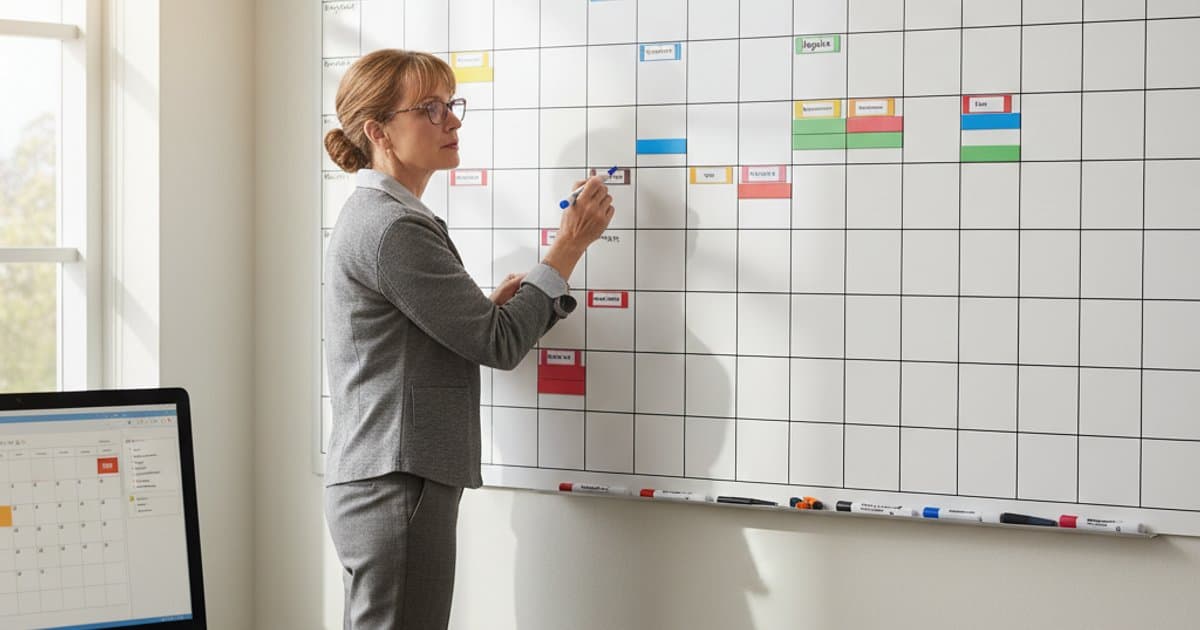
- Timetable Builder — A colour-coded weekly grid where you can slot classes into available time/venue combinations. Columns for: time, venue/space, class name, age/level, instructor, capacity, and current fill rate. Use colours to distinguish age groups or activity types at a glance.
- Instructor Allocation Worksheet — Match instructors to classes based on qualifications, availability, and preferences. Includes columns for tracking contracted hours, travel between venues, and CPD requirements. Highlights scheduling conflicts automatically.
- Capacity and Revenue Projector — For each class on your timetable, enter the capacity and expected fill rate. The template calculates projected weekly and termly revenue, identifies your highest and lowest revenue-per-hour slots, and highlights classes that don't cover their costs at current fill rates.
- Scenario Planner — A duplicate grid where you can model "what if" scenarios: what happens if you add a Tuesday evening class, move the Thursday toddler group to Wednesday, or merge two under-filled sessions into one?
Who This Template Is For
This template is for providers at any scale — from a solo instructor with 5 classes to a multi-venue operator with 50+. It's especially valuable when you're growing and need to add classes strategically rather than reactively, or when you suspect your current timetable has inefficiencies.
How to Use It
Start with demand analysis and venue availability — these are your constraints. Then use the timetable builder to create your schedule within those constraints, checking the revenue projector as you go. Revisit quarterly to adjust for seasonal patterns and changing demand. Keep a copy of each term's timetable to spot trends year-on-year.
