Why Dance Schools Need a Parent Portal
Dance schools generate more parent communication than almost any other children's activity. Between class schedules, exam entries, costume requirements, rehearsal calendars, show logistics, progress updates, consent forms, and fee reminders, a busy dance school might need to communicate a dozen different things to a hundred different families in any given week. Without a centralised system, this communication fragments across email, text messages, WhatsApp groups, paper letters in bags, and verbal messages passed to children who promptly forget them.
The result is predictable: parents miss important information, the office spends hours answering the same questions repeatedly, and the school develops a reputation for poor communication even when the underlying teaching is excellent. A parent portal solves this by giving every family a single place to find everything they need, accessible on their phone, updated in real time, and organised in a way that makes sense.
This guide covers the essential features of a dance school parent portal and practical advice on getting parents to actually use it.
Rehearsal Schedule Distribution
Making the Schedule Accessible
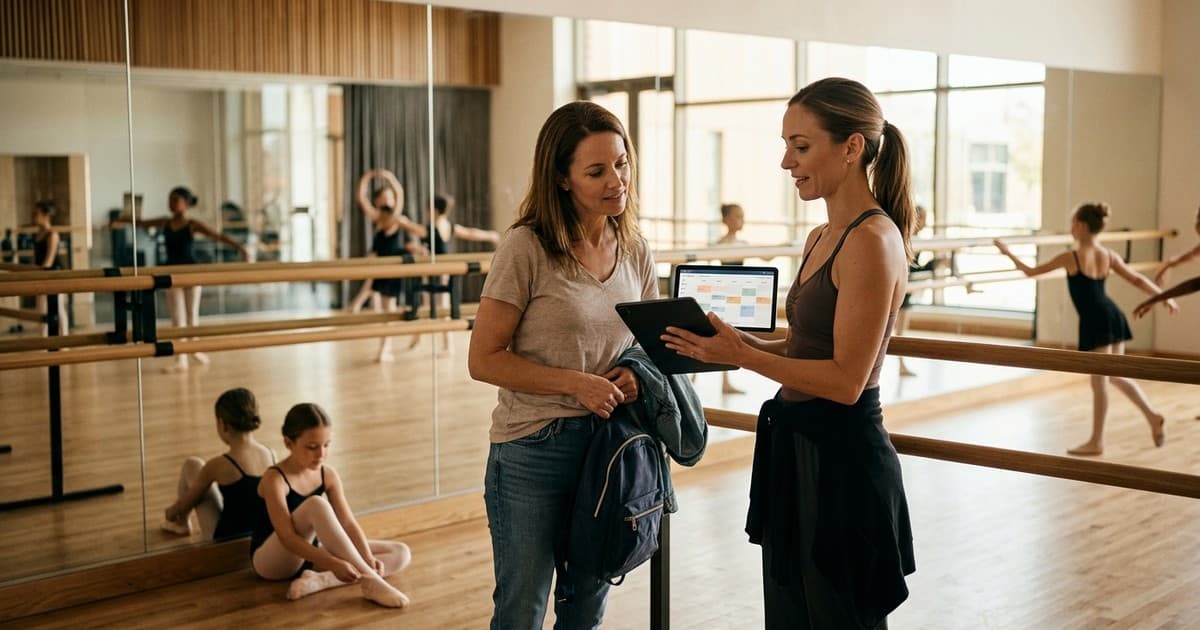
During show season, rehearsal schedules change frequently and parents need immediate access to the latest version. A parent portal should display the rehearsal schedule with filtering by child. A parent with two children in the school does not want to scan the entire school's rehearsal list. They want to see only the rehearsals that involve their children, on a calendar view that shows dates, times, locations, and what their child needs to bring.
When the schedule changes, which it will, the update should appear in the portal immediately with a notification to affected families. This is far more reliable than sending a revised paper schedule home with a seven-year-old or posting in a WhatsApp group where the message gets buried under fifty replies.
Syncing with Family Calendars
The most effective parent portals allow families to sync rehearsal and class schedules directly with their personal calendars (Google Calendar, Apple Calendar, Outlook). This means rehearsals and class times appear alongside the family's other commitments, reducing the risk of forgotten sessions and last-minute panics. AMES supports calendar sync, which automatically updates when you make timetable changes.
Costume Checklists and Show Logistics
Per-Child Costume Lists
Show season generates a torrent of costume-related information. Each child may need specific items for each routine: a leotard in a particular colour, tights of a specific denier, character shoes, hair accessories, and props. A parent portal should present this as a personalised costume checklist for each child, showing exactly what is needed, whether it has been ordered, whether it has been paid for, and whether it has been collected.
This eliminates the single most common show-season query: "What does my child need for the show?" Instead of answering this question individually for every parent, you point them to the portal. The checklist is there, personalised to their child, updated as items are ordered and delivered.
Performance-Day Information
Performance-day logistics are critical and stressful for parents. They need to know arrival times, drop-off locations, backstage access rules, what to bring, what not to bring, photography and video policies, interval arrangements, and collection procedures after the show. All of this should be available in the portal as a dedicated show-day information page, published at least two weeks before the first performance.
Include a frequently asked questions section based on the queries you received last year. Can siblings watch from backstage? Is there parking at the venue? Can grandparents buy tickets at the door? Answering these in advance reduces the flood of messages in the final days before the show.
Progress Reports and Exam Information
Termly Progress Reports
Parents value visibility into their child's progress, and a parent portal is the ideal place to deliver it. A termly progress report for each child, covering their attendance, their progress through the syllabus, any areas for focused practice, and their teacher's overall assessment, builds parental confidence and engagement.
Keep progress reports concise and specific. "Emma has made excellent progress this term and is now confident with all centre practice exercises for Grade 3. She should focus on strengthening her turnout in allegro work over the holiday break. I recommend she is entered for the summer exam session." This tells the parent exactly where their child is, what they need to work on, and what comes next. It takes three minutes to write and builds more parental loyalty than any marketing campaign.
Exam Entry and Results
The portal should display each child's exam history: grades taken, results achieved, and upcoming entries. When you open exam entries for a session, parents can see that their child has been recommended for an exam, review the fee, and confirm their agreement, all through the portal. When results arrive, they appear in the portal alongside a congratulatory message and information about certificate collection.
Consent Management
Digital Consent Collection
Dance schools require consent for a range of activities: photography during classes and shows, participation in performances, medical information for first aid, and data processing under GDPR. Paper consent forms get lost. Digital consent, collected through the portal, creates a permanent, auditable record.
When you need consent for a specific event, such as permission for a child to appear in a promotional video, the request appears in the parent's portal with a clear explanation of what they are consenting to, a simple accept or decline button, and a timestamp when they respond. You can see at a glance which parents have responded and chase only those who have not.
Medical and Emergency Information
Every child's record should include emergency contact details, medical conditions, allergies, and any relevant additional needs. Parents should be able to view and update this information through the portal at any time. Before each show or event, prompt parents to confirm that their information is still current. This is both a safeguarding requirement and a practical necessity for managing the health and safety of children in your care.
Teacher Messaging
Structured Communication Channels
Parents inevitably want to contact their child's teacher with questions or concerns. Unmanaged, this leads to teachers receiving WhatsApp messages at ten o'clock at night or being cornered in the car park after class. A parent portal with a structured messaging system gives parents a way to contact teachers that is professional, recorded, and manageable.
Messages sent through the portal are visible to the school administration as well as the teacher. This provides safeguarding protection for both parties and ensures that important queries do not get lost in a teacher's personal inbox. Set expectations about response times: messages will be responded to within forty-eight hours during term time, for example.
Broadcast Messages and Announcements
The portal should also support broadcast messages from the school to all parents, or to specific groups (all parents of children in the show, all Grade 5 families, all parents at the Tuesday site). Use broadcasts for important announcements, term dates, fee reminders, and event information. Keep broadcasts concise and action-oriented. Parents who receive long, rambling messages stop reading them.
Getting Parents to Use the Portal
Adoption Strategies
A portal is only useful if parents actually log in and use it. The most effective adoption strategy is to make the portal the only place where certain essential information is available. If rehearsal schedules are only published in the portal, parents will log in. If costume checklists are only in the portal, parents will check them. If exam results are released through the portal first, parents will be there on results day.
Support this with a clear onboarding process at enrolment: every new family receives a guide to setting up their portal account, with screenshots and a support contact if they need help. Send a reminder at the start of each term encouraging parents to check their portal for the latest timetable and term dates.
Key Takeaways
- Use a parent portal as your single, centralised communication channel to replace fragmented emails, texts, and paper letters.
- Display rehearsal schedules filtered by child and offer calendar sync so rehearsals appear in family calendars automatically.
- Provide personalised costume checklists per child showing what is needed, ordered, paid, and collected.
- Publish show-day logistics and FAQs in the portal at least two weeks before the first performance.
- Deliver termly progress reports through the portal with specific feedback and next-step recommendations.
- Collect consent digitally through the portal to create auditable records and eliminate lost paper forms.
- Provide structured teacher messaging that is professional, recorded, and visible to administration for safeguarding.
- Drive portal adoption by making it the exclusive source for essential information like schedules, results, and costume lists.
